Adding the Validation Rule
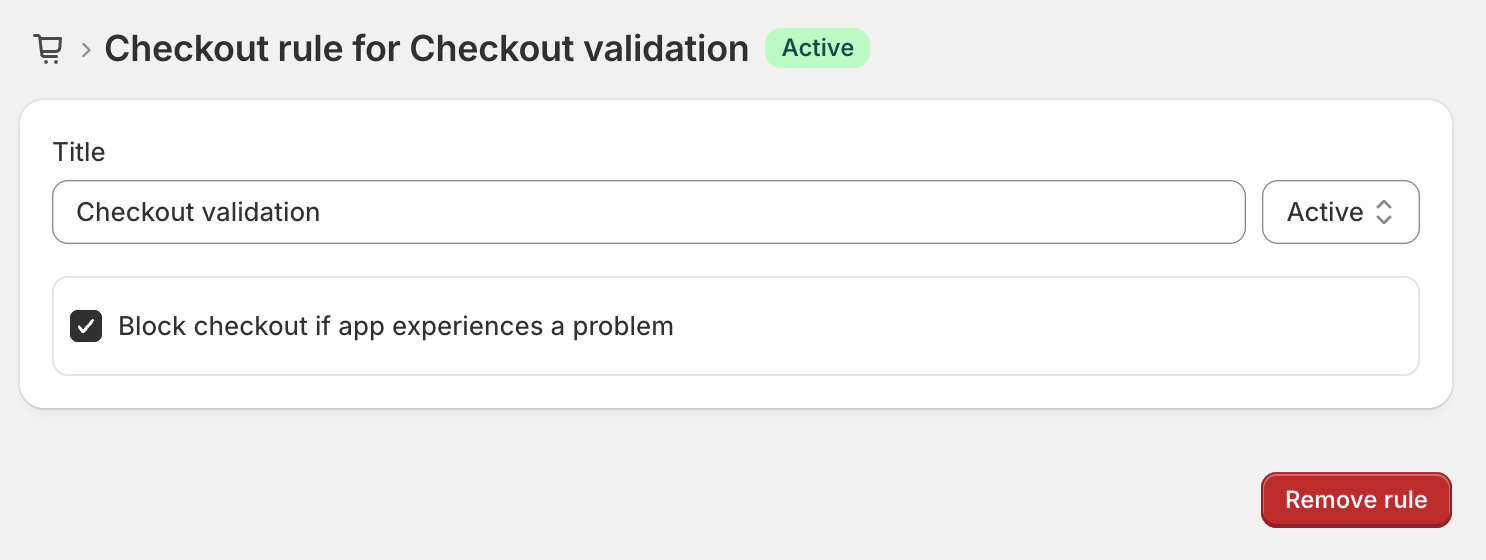
To enable QuantityLock to validate your cart or checkout, you first need to ensure that you've added the validation rule in Shopify's settings.
- Open Settings > Checkout and scroll down to Checkout rules
- Click add rule, then select QuantityLock - Checkout validation
- Make sure the status is set to "Active"